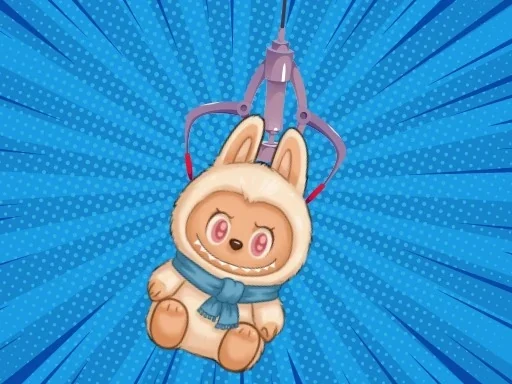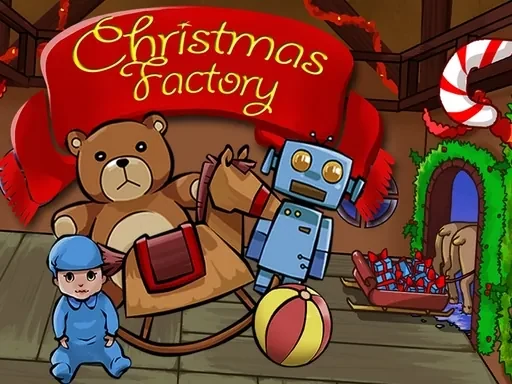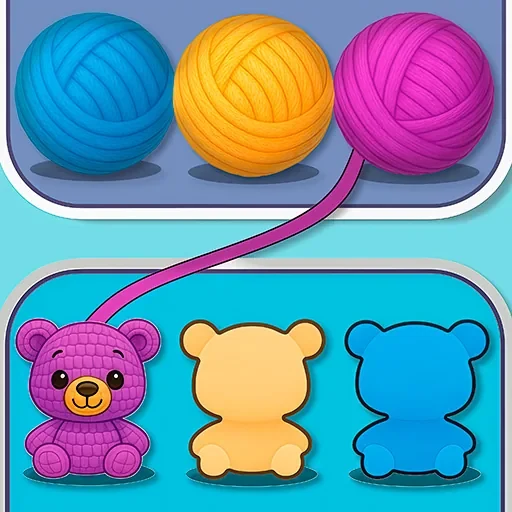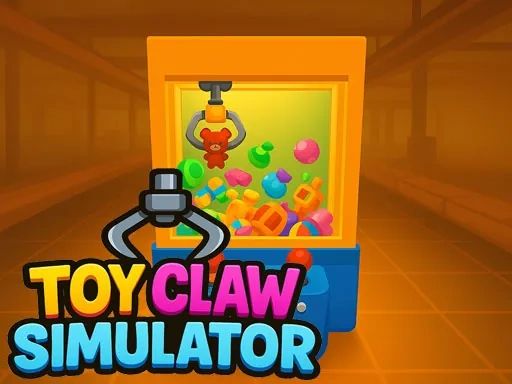
Toy Claw Simulator delivers the complete claw machine experience directly to your device. In this simulator, you take full control of a virtual claw, challenging yourself to collect a wide variety of charming toys. The core of Toy Claw Simulator is the skillful manipulation of the crane: you must carefully judge positioning and timing to successfully grab your targets. You'll navigate over plush animals, detailed action figures, and other collectibles, each with unique shapes and weights that demand strategic adjustments. Capturing these prizes is just the beginning. Toy Claw Simulator adds a rewarding progression layer where you can send your collected toys to an in-game factory to sell. This earns you coins, the essential currency for funding more plays and operating the crane to pursue an ever-expanding collection. This cycle of precise grabbing and strategic selling creates a deeply engaging loop. As your skills improve, Toy Claw Simulator rewards you with new, unlockable toys to discover, ensuring fresh goals are always within reach. The game masterfully blends the instant excitement of the grab with the long-term satisfaction of building a collection and managing your resources. It captures the nostalgic fun of the arcade while introducing meaningful strategy, making every successful grab and every coin earned feel significant. Whether you're hunting for a specific plushie or working to complete a set, Toy Claw Simulator provides a charming and persistent test of both your dexterity and your planning abilities, offering a satisfying and authentic simulation of the classic claw machine challenge.
Toy Claw Simulator Instructions
Q: How do I move the crane in Toy Claw Simulator on a desktop computer?
A: Use the WASD or Arrow keys to position the crane.
Q: How do I grab a toy in Toy Claw Simulator on desktop?
A: Press the Spacebar to lower the claw and attempt a grab.
Q: What are the controls for Toy Claw Simulator on a mobile device?
A: Touch and drag on the screen to move the crane. Tap the red button to grab.