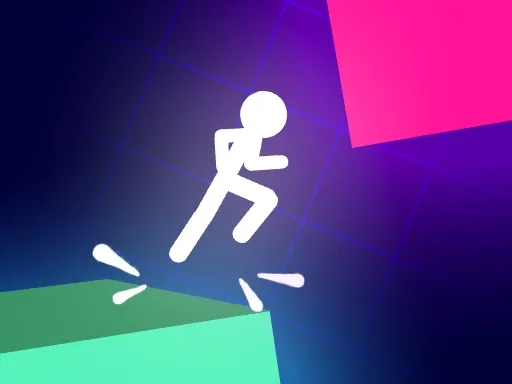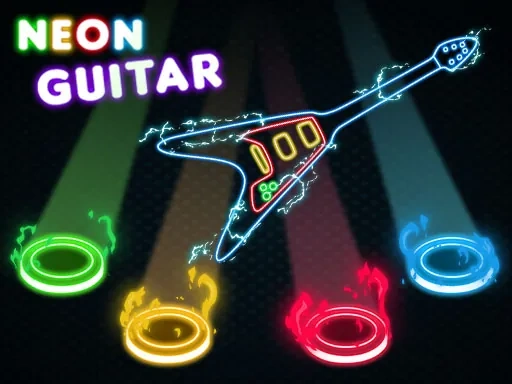
Neon Guitar is a rhythm game that invites you to experience the thrill of performance in a world defined by its electrifying namesake aesthetic. Inspired by the legacy of classic guitar-based rhythm games, it challenges your coordination and timing as you match a cascade of notes to the beat of driving tracks. The core of the Neon Guitar experience is its direct connection between sight, sound, and action: colored notes stream down the screen towards a target line, and your goal is to strike the correct input precisely as they arrive. Success builds your score multiplier and fuels the dynamic visual feedback, where every hit amplifies the surrounding neon glow and pulsating light show. This isn't just about hitting notes; it's about feeling the rhythm and becoming the catalyst for the game's signature symphony of light and sound. The progression in Neon Guitar is centered on personal mastery. You'll chase higher scores, tackle more complex note patterns, and strive to achieve full combos across a variety of songs. The difficulty scales to accommodate both newcomers looking for a fun challenge and seasoned players testing their reflexes. The immersive quality comes from the seamless blend of the responsive gameplay and the consistent, vibrant neon art style that bathes every interface and animation in electric blues, hot pinks, and vivid purples. Playing Neon Guitar is a focused exercise in rhythmic precision that sharpens your hand-eye coordination while providing a satisfying audiovisual spectacle. It distills the joy of rhythm gaming into its essential elements—clear objectives, immediate feedback, and a compelling loop of practice and improvement—all wrapped in a cohesive and dazzling neon package that makes every session visually distinctive.
Neon Guitar Instructions
Q: How do I play Neon Guitar?
A: Time your inputs to hit the colored notes as they reach the target line at the bottom of the screen to build your score and multiplier.
Q: What controls does Neon Guitar support?
A: On desktop, use keyboard keys (A, S, K, L), a compatible gamepad (LT, LB, RB, RT), or mouse clicks. On mobile, tap the corresponding on-screen buttons.