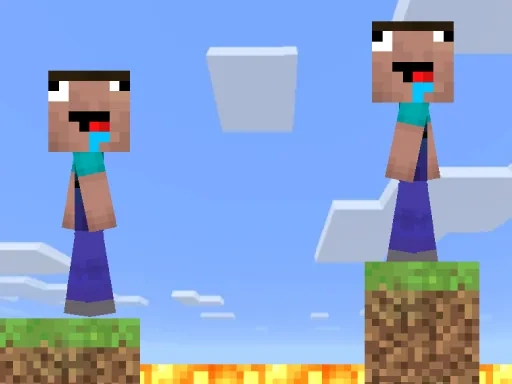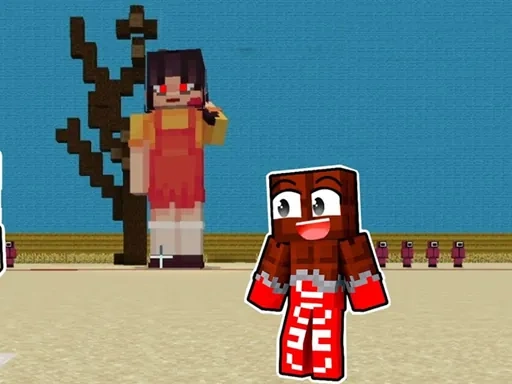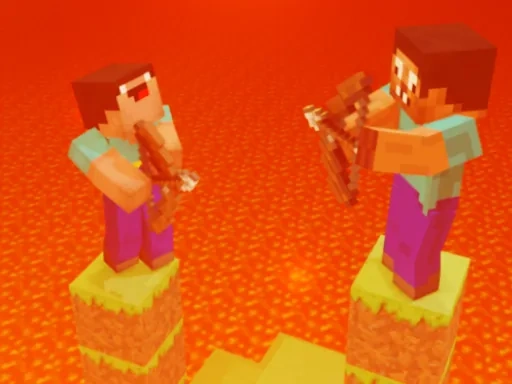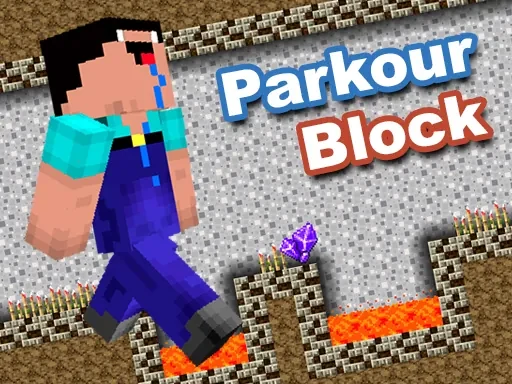
Minecraft Parkour Block is a browser-based dexterity game that immerses you in a world of athletic challenges, where your parkour jumping skills are put to the test across a series of unique and mechanically diverse levels. Designed for seamless play on both computer and mobile devices, Minecraft Parkour Block delivers a smooth and visually engaging experience where precise control and quick reflexes are paramount. Each distinct level within Minecraft Parkour Block presents a new obstacle course, demanding accurate jump timing, navigation across narrow platforms, wall scaling, and leaping over perilous gaps. As you progress through Minecraft Parkour Block, the mechanics thoughtfully evolve, introducing fresh environmental puzzles and movement challenges that rigorously test your adaptability and strategic planning. Whether you're a beginner learning the fundamentals of momentum or an experienced player aiming for flawless speedruns, Minecraft Parkour Block expertly scales its difficulty to provide a deeply satisfying sense of accomplishment with every stage you clear. The core gameplay loop of Minecraft Parkour Block is straightforward yet profoundly engaging: carefully observe the blocky layout, plan your optimal route, and then execute a precise sequence of jumps. Failure is an integral part of the learning process in Minecraft Parkour Block, encouraging repeated attempts to master the intricacies of each block's arrangement. By focusing on tight, responsive controls and creatively varied level design, Minecraft Parkour Block crafts a compelling experience that hooks players for extended sessions, consistently pushing them to refine their timing and spatial awareness. Dive into the distinctive world of Minecraft Parkour Block and discover just how far your parkour abilities can take you.
Minecraft Parkour Block Instructions
Q: How do I control my character in Minecraft Parkour Block?
A: Use the Arrow Keys on your keyboard (or the on-screen touch controls on mobile) to move left and right. Press the Spacebar to make your character jump. Precise timing and control are essential for successfully navigating the parkour courses in Minecraft Parkour Block.