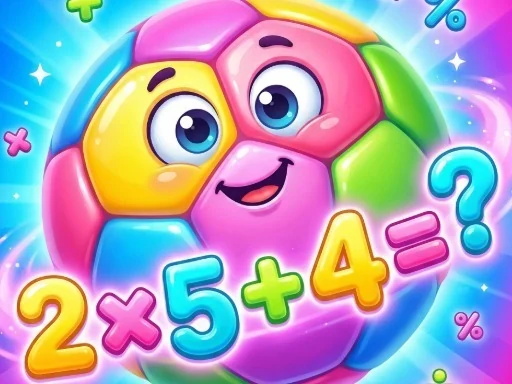
Goal the Answer is a game that puts a fresh spin on learning by combining quick math with the precision of soccer. Your challenge is straightforward: solve the problem presented, then find and score on the goalpost labeled with the correct answer. It's not enough to just calculate; you must also prove your aim. Each level presents a new equation, starting with simple arithmetic and gradually introducing more complex puzzles to keep your mind engaged. The core loop of Goal the Answer is this satisfying one-two punch of mental agility followed by physical execution. You'll see your calculation speed improve as you progress, and your targeting will become more instinctive. Designed to be intuitive, players of all ages can quickly understand the goal—literally and figuratively—of Goal the Answer. The real thrill comes from that moment of validation: after cracking the numbers, you guide the ball into the matching net, seamlessly connecting thought to action. Whether you're looking to sharpen your math fundamentals in a dynamic way or simply enjoy a unique puzzle-sports hybrid, Goal the Answer delivers a focused and rewarding experience. Every successful shot feels like a direct result of your skill, making practice feel like play. Step up, lock in the answer, and take your best shot in Goal the Answer.
Goal the Answer Instructions
Q: How do I play Goal the Answer?
A: First, solve the math problem on screen. Then, click the soccer net (goal) marked with your correct answer to make your player kick the ball toward it. Scoring in the correct net advances you.
Q: What is the main goal of Goal the Answer?
A: The main goal is twofold: solve each math puzzle correctly, then accurately select and score on the corresponding goalpost. Success requires both quick calculation and precise targeting.
Q: What controls are used in Goal the Answer?
A: Goal the Answer is played entirely with your mouse or touchpad. Simply click or tap on the on-screen goal that matches your calculated answer to aim and kick.