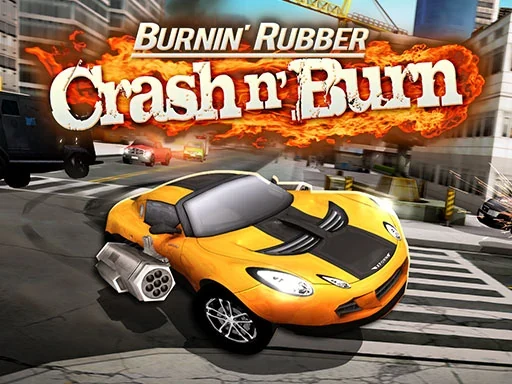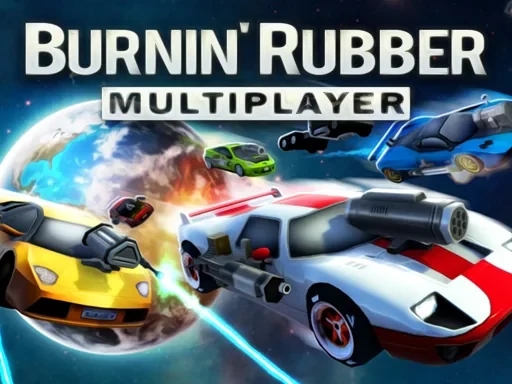
Burnin Rubber Multiplayer is a high-octane, vehicle-based combat game that puts you directly into chaotic and explosive online arenas. The core experience revolves around intense multiplayer matches where your driving prowess and combat skills are constantly tested against real opponents. At the heart of Burnin Rubber Multiplayer is the thrilling pursuit of domination through a blend of precise vehicle control and tactical weapon use. You'll hunt down rivals across dynamic maps, using the environment to your advantage while managing your car's capabilities. A key feature that sets this game apart is the strategic U-turn move, a new mechanic that allows for sudden reversals of fortune, letting you surprise chasing enemies or quickly re-engage a target. Progression is fueled by unlocking a diverse garage of powerful cars, each with potential handling characteristics, and mastering a devastating arsenal of primary, secondary, and special weapons. Matches in Burnin Rubber Multiplayer are fast-paced and demand quick thinking; knowing when to accelerate with nitro, when to drift around a tight corner to line up a shot, and when to unleash your most powerful armament is crucial. The game emphasizes skill-based competition where outmaneuvering and outgunning your friends leads to victory. It's not just about speed, but about controlled aggression and smart positioning. Every match in Burnin Rubber Multiplayer is an opportunity to prove your superiority on the asphalt, leaving your opponents stunned and the track littered with evidence of your dominance. Get behind the wheel, customize your loadout, and prepare for sessions defined by relentless action, close calls, and the satisfying smell of burning rubber.
Burnin Rubber Multiplayer Instructions
Q: How do I control my car in Burnin Rubber Multiplayer?
A: Drive using (W)(A)(S)(D) or Arrow Keys. Boost with (Space) for Nitro and use (Shift) to Drift. Execute the special U-Turn move with a Double-Tap of (Shift).
Q: How do I attack opponents in Burnin Rubber Multiplayer?
A: Fire your Primary weapon with (Z) or Left Mouse Button, and your Secondary with (X) or Right Mouse Button. Activate your powerful Special Weapon with (F) or the Middle Mouse Button.
Q: What are other essential controls for Burnin Rubber Multiplayer?
A: Look Behind with (C), toggle the HUD with (V), and pause with (ESC) or (P). Use (1)-(0) for Dialog Hotkeys, or hold (`) for the Dialog Wheel. For gamepad support, please refer to the in-game help screen.