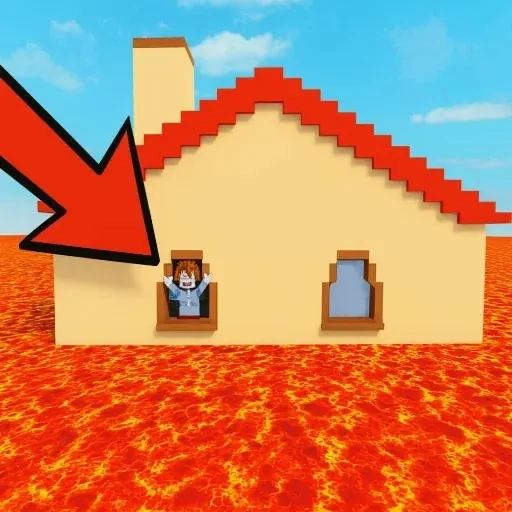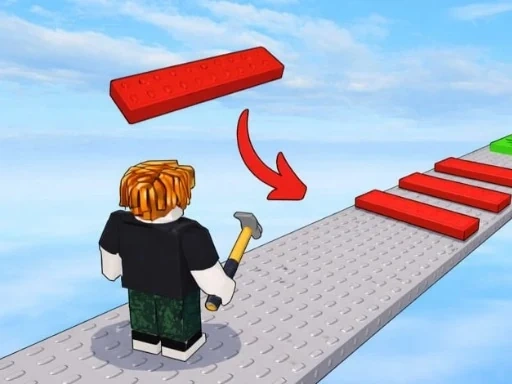
In Build An Obby, you are the creator. Your primary goal is to Build An Obby — an 'obby' being a challenging obstacle course filled with jumps, traps, and puzzles. You start with a simple plot of land and a dream. The core loop of Build An Obby is direct and engaging: use earned in-game currency to purchase components. These range from basic blocks and platforms to ramps, walls, and hazards like lava pools. You then physically place these pieces to construct your course, piece by piece. The central question Build An Obby asks is: how big and complex can you make it? Building is just the first step. Once you've created a section, you can jump in and play it. Successfully navigating your own creation rewards you with more currency, which fuels further expansion. This cycle of build, play, and earn is the satisfying heart of Build An Obby. A key progression system is upgrading your plot of land. A bigger plot in Build An Obby means more physical space, allowing you to Build An Obby that is larger, more elaborate, and can feature multi-level layouts, intricate mazes, or towering vertical climbs. You are both the architect and the tester in Build An Obby. You set the theme, difficulty, and visual style, whether crafting a short, brutal challenge or a long exploratory adventure. With each upgrade and new item unlocked in Build An Obby, your creative potential grows. The game encourages you to think about scale and sequence, engineering not just obstacles but a flowing experience for players. Start small in Build An Obby, learn the mechanics, earn your coins, and steadily work toward realizing your vision of the massive, engaging obby you want to create. Your ambition directly shapes your gameplay and rewards in Build An Obby.
Build An Obby Instructions
Q: What are the basic controls to play my creation in Build An Obby?
A: On PC, use WASD keys for movement. On mobile, use the on-screen virtual joystick.
Q: How do I interact with menus and objects in Build An Obby?
A: On PC, click with your mouse. On mobile, tap directly on interactive buttons or objects.