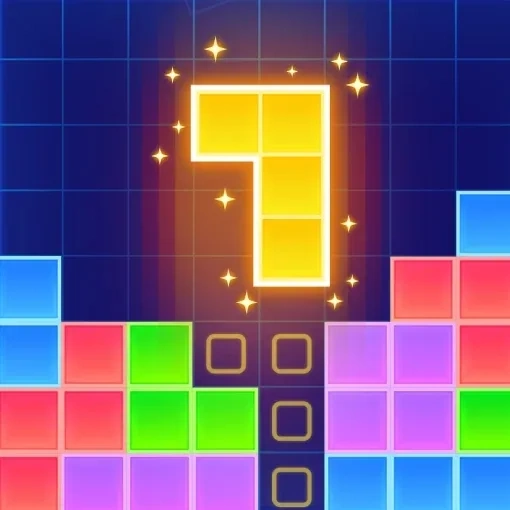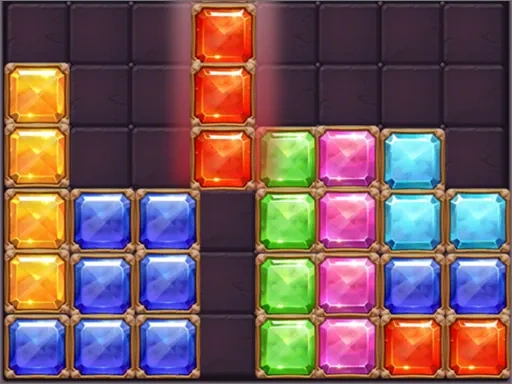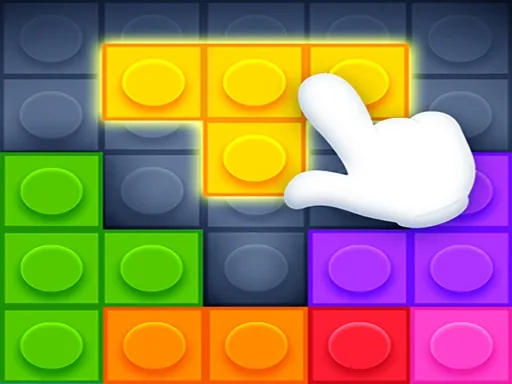
Block Puzzle Lego Pro is a modern and engaging take on the classic block puzzle genre, designed for players who enjoy strategic thinking and quick decision-making. At its core, Block Puzzle Lego Pro challenges you to drag various tetra blocks onto a grid, carefully positioning them to complete full horizontal or vertical lines. Clearing these lines scores points and creates crucial space for the ongoing puzzle. A defining feature of Block Puzzle Lego Pro is its rule against rotating blocks; every piece must be placed in its given orientation, adding a unique and compelling layer of strategic depth that requires foresight and planning. The game offers two distinct modes to suit your preferred style of play. In Classic Mode, Block Puzzle Lego Pro allows for a relaxed, thoughtful experience with no time pressure, perfect for unwinding and focusing purely on spatial strategy. For those seeking more intensity, Challenge Mode in Block Puzzle Lego Pro introduces a fast-paced, arcade-style rhythm where the speed of the falling blocks increases as you advance through levels. This mode tests your reflexes and ability to make smart placements under pressure, creating an exhilarating two-minute sprint against the clock. With its clean, visually appealing interface and satisfying feedback for every line cleared, Block Puzzle Lego Pro is easy to learn but offers significant depth for those aiming to master it. The straightforward rules lead to a surprisingly challenging and addictive gameplay loop that encourages you to beat your high score and progress further. Whether you have just a few minutes to spare or want to engage in a longer puzzle session, Block Puzzle Lego Pro delivers a perfect blend of casual fun and thoughtful, strategic problem-solving that will keep you coming back for more.
Block Puzzle lego Pro Instructions
Q: What is the basic objective in Block Puzzle Lego Pro?
A: Your goal is to drag the falling tetra blocks onto the grid to form complete horizontal or vertical lines. Full lines clear, earning points and freeing up space.
Q: How do I control the blocks in Block Puzzle Lego Pro?
A: Simply touch and drag each block to your desired spot on the grid; they will snap into place.
Q: Can I rotate the blocks in Block Puzzle Lego Pro?
A: No, a key rule is that blocks cannot be rotated. You must place each piece in its given orientation.
Q: What are the main game modes in Block Puzzle Lego Pro?
A: There are two modes: Classic Mode for relaxed, untimed play, and Challenge Mode where block speed increases with each level for a faster-paced test.
Q: What causes the game to end in Block Puzzle Lego Pro?
A: The game ends if blocks stack up to the top of the grid with no space left to place new pieces. Your final score is based on lines cleared.